Understanding Caching: From Browser to CDN
Understanding caching, from browser to CDN, is crucial for web performance. Learn how this technique speeds up your site.
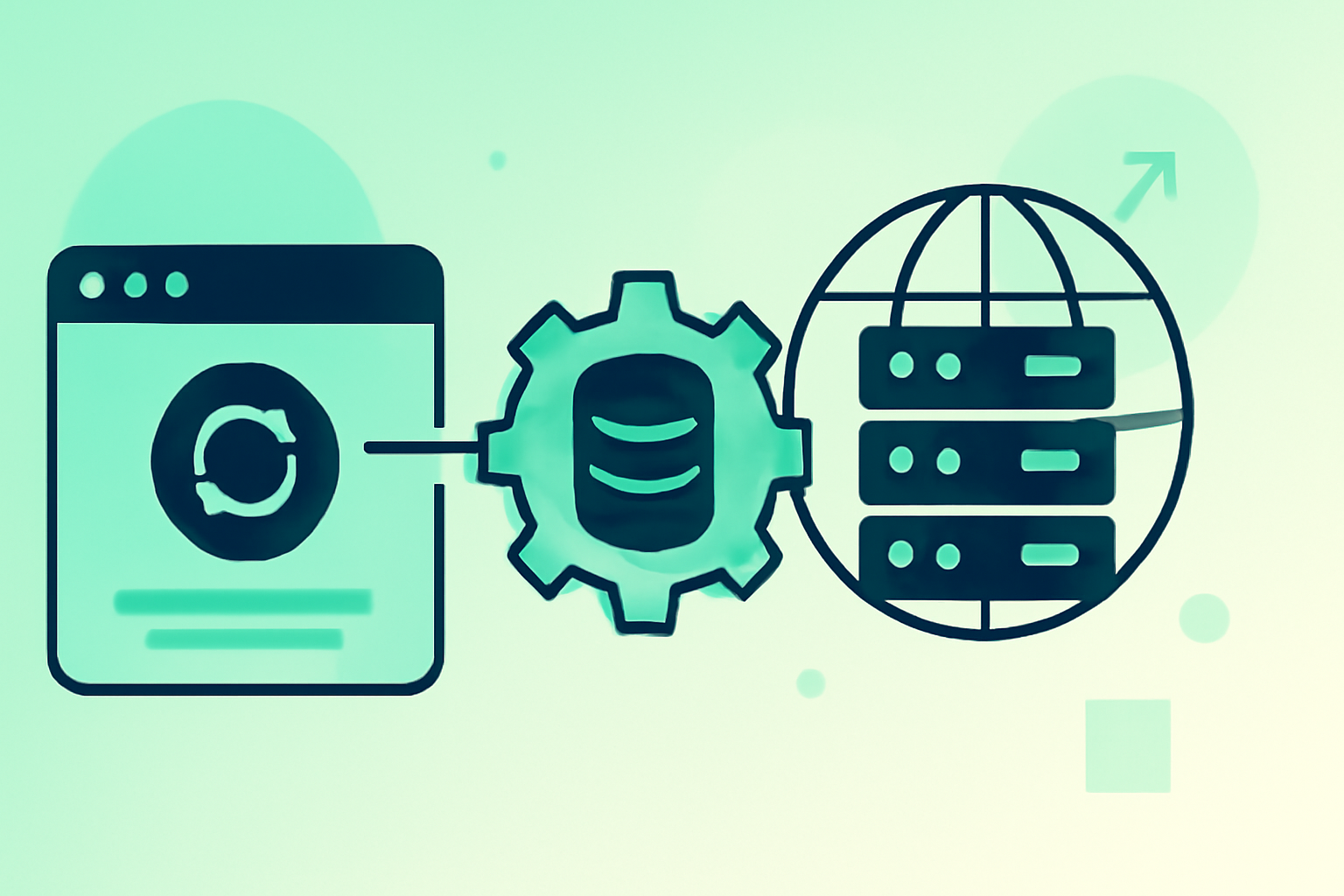
The internet feels instantaneous, doesn't it? You click a link, and the page loads. You refresh your favorite news site, and the latest updates appear. This seamless experience is largely thanks to a fundamental concept in computing: caching. Caching is the process of storing copies of data in a temporary location (a cache) so that future requests for that data can be served faster. Think of it like keeping your most frequently used tools on your workbench instead of having to retrieve them from a large toolbox in another room every single time. Understanding how caching works, from the humble browser cache on your computer to the distributed power of a Content Delivery Network (CDN), is crucial for anyone building or optimizing web applications, or even just wanting a deeper understanding of how the web functions.
The Power of Speed: Why You Need Caching
The primary driver for implementing caching is performance. Every millisecond saved in loading time translates to a better user experience, lower bounce rates, and potentially higher conversion rates. For businesses, this means happier customers and a stronger bottom line. For developers, it means more efficient resource utilization, reducing the load on your servers and databases. Without effective caching strategies, your website or application can become slow and unresponsive, frustrating users and driving them to competitors.
Browser Caching: Your First Line of Defense
When you visit a website, your browser downloads various assets like HTML files, CSS stylesheets, JavaScript files, and images. Browser caching is the mechanism by which your browser stores these files locally on your computer. The next time you visit the same site, your browser can often load these resources directly from your local cache rather than re-downloading them from the web server. This dramatically speeds up subsequent page loads.
Consider this: your browser might store an image file that's 100KB. Without caching, downloading that image takes time and bandwidth. With caching, if the image hasn't changed, your browser fetches it from your hard drive in a fraction of a second, saving both time and data.
How Browser Caching Works (and How to Control It)
When a server sends a file to your browser, it can include HTTP headers that tell the browser how long to cache that file. Key headers include:
Cache-Control: This is the modern, more powerful header that allows for fine-grained control. Directives likemax-age=3600(cache for 1 hour) orno-cache(always revalidate with the server) are common.Expires: An older header that specifies an absolute expiration date and time.Cache-Controlgenerally overridesExpires.ETag(Entity Tag): A unique identifier for a specific version of a resource. If the resource changes, its ETag changes. This allows for efficient revalidation – the browser can ask the server "Is my cached version still valid?" by sending its ETag.Last-Modified: Similar to ETag, this header indicates the last modified date of the resource.
As a developer, you set these headers on your web server. For static assets (images, CSS, JS that don't change often), you'll want to set long max-age values. For dynamically generated HTML, you might want to set no-cache or a very short max-age to ensure users always see the latest content.
Server-Side Caching: Reducing Database Load
While browser caching speeds up the client-side, server-side caching focuses on reducing the workload on your application servers and databases. When a user requests a complex page that requires querying a database, performing calculations, or fetching data from multiple APIs, the server has to do a lot of work. Server-side caching stores the results of these operations, so subsequent requests for the same data can be served directly from the cache without hitting the database or performing expensive computations.
Types of Server-Side Caching
- Page Caching: The entire HTML output of a dynamic page is cached. This is incredibly effective for pages that don't change frequently or are the same for all users (like blog posts or product listings).
- Object Caching: Specific pieces of data, like the result of a database query, are cached. This is useful when only parts of a page are dynamic or when the same data is used across multiple pages. Redis and Memcached are popular in-memory key-value stores used for object caching.
- Database Caching: Many database systems have their own internal caching mechanisms for query results and data blocks.
Example: Imagine your e-commerce site has a product page. Without caching, every time a user views the page, the server queries the database for product details, reviews, and stock levels. With page caching, the server generates the page once and stores its HTML. Subsequent requests for that product page are served directly from the cache, significantly reducing database load and response time.
Content Delivery Networks (CDNs): Global Caching Power
For websites with a global audience, caching becomes even more critical. A Content Delivery Network (CDN) is a geographically distributed network of servers. CDNs cache static assets (images, CSS, JavaScript, videos) on servers located in data centers around the world.
When a user requests your website, the CDN directs their request to the server geographically closest to them. This significantly reduces latency, as the data travels a much shorter distance.
Real-world impact: A user in Australia requesting a website hosted on a server in the United States will experience much faster loading times if the website's static assets are cached on a CDN server in Sydney compared to being served directly from the US. Major CDNs like Cloudflare, Akamai, and Amazon CloudFront play a vital role in delivering the web at scale.
Caching Strategies: Optimizing Your Approach
Choosing the right caching strategy depends heavily on the nature of your application and its data.
- Stale-While-Revalidate: This strategy serves a stale cached response immediately while asynchronously revalidating the cache in the background. Once the revalidation is complete, the cache is updated with the fresh data. This provides a fast initial load while ensuring users eventually get updated content.
- Cache-Aside: An application component (like your web server or an application layer) is responsible for checking the cache first. If the data isn't found, it's fetched from the primary data source, stored in the cache, and then returned to the user.
- Time-to-Live (TTL): Data is cached for a specific duration. After the TTL expires, the data is considered stale and needs to be re-fetched. This is a common approach for object and page caching.
Common Mistakes to Avoid
- Over-caching dynamic content: Caching content that changes frequently or is user-specific can lead to users seeing outdated information.
- Not invalidating caches: When content changes, failing to update or remove the cached version will result in users seeing stale data.
- Ignoring cache headers: Properly configuring
Cache-Controland other related headers is essential for effective browser caching. - Not considering user roles: Caching content that should be personalized for individual users (e.g., account dashboards) will lead to security and privacy issues.
Key Takeaways
- Caching significantly improves website performance and user experience by storing frequently accessed data closer to the user or in a faster retrieval location.
- Browser caching leverages local storage on a user's device to speed up repeat visits.
- Server-side caching reduces the load on your application and database by storing the results of expensive operations.
- CDNs distribute cached content globally, minimizing latency for users worldwide.
- Developing effective caching strategies involves understanding your data's volatility and user access patterns.