Google Search Console vs Google Analytics SEO: Data Decoded
Unsure whether to use Google Search Console vs Google Analytics for SEO? This guide decodes their unique data and shows you when to use each.
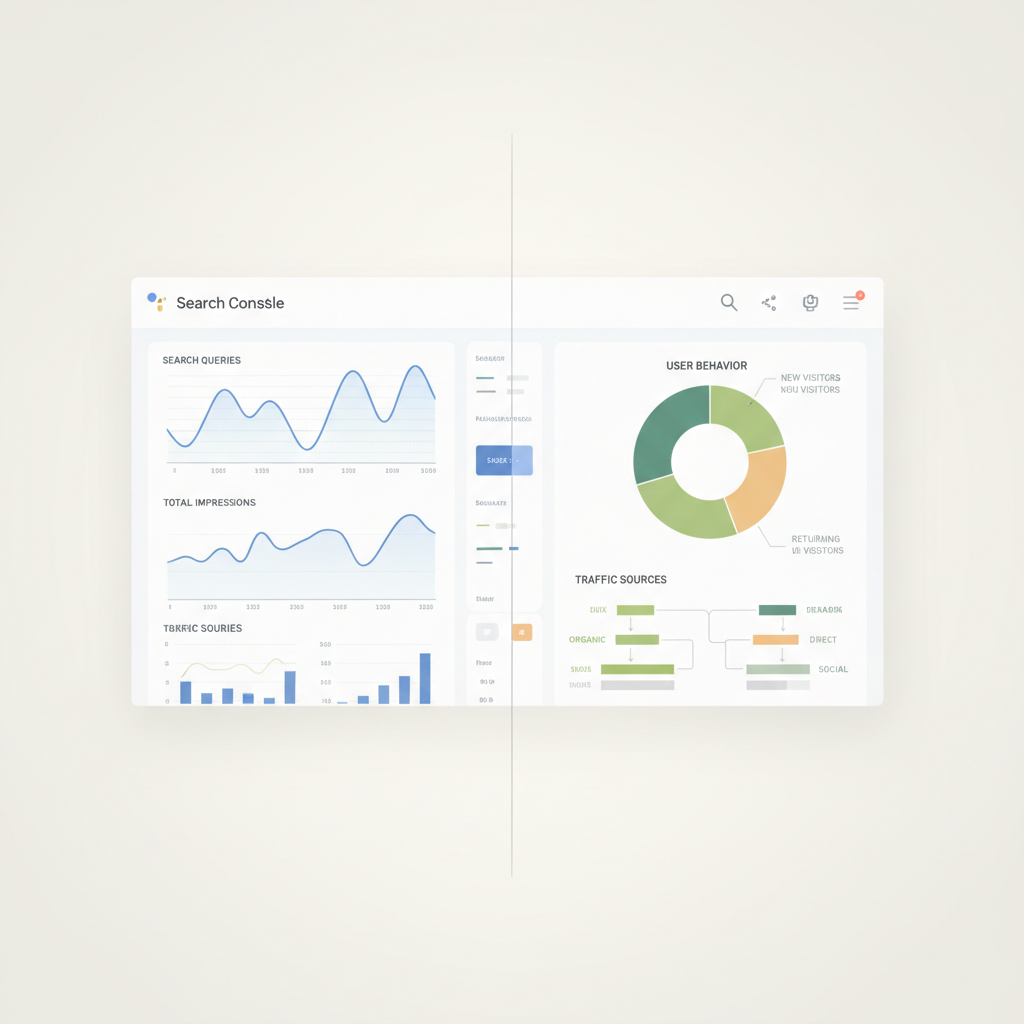
Google Search Console vs Google Analytics SEO: Which Data Do You Need?
In the world of SEO, data is king. To truly understand your website's performance and optimize for organic search, you need insights. But with two powerful, free tools from Google – Google Search Console (GSC) and Google Analytics (GA) – it's easy to feel overwhelmed. Many SEO professionals and website owners wonder: which one should I use? And for what?
This comprehensive guide will demystify the Google Search Console vs Google Analytics SEO debate, explaining the unique role each plays, the specific data they provide, and how to leverage both for a holistic and powerful SEO strategy. While they both monitor your website, they do so from distinctly different perspectives. Think of them as two halves of a complete SEO picture.
Understanding Google Search Console: Your Window into Google Search
Google Search Console (formerly Google Webmaster Tools) is Google's direct communication channel with website owners. Its primary focus is on how your site performs in Google Search results. It's all about discovery and technical health from Google's perspective.
Key Data Provided by Google Search Console:
- Search Performance (Organic Search Queries): This is perhaps GSC's most celebrated feature. You can see the actual keywords people searched for to find your site, along with impressions (how many times your site appeared in search results), clicks, Click-Through Rate (CTR), and average position. This is invaluable for understanding your organic visibility and identifying content gaps.
- Example: You might discover your site ranks well for a specific long-tail keyword you didn't explicitly target, indicating an opportunity to optimize that content further.
- Coverage (Indexing Status): GSC tells you which pages Google has indexed, which ones have errors, and which are excluded (e.g., by robots.txt or noindex tags). This is crucial for ensuring your content is visible to Google.
- Example: If GSC reports a sudden drop in indexed pages, it could indicate a server issue, a misconfigured robots.txt, or a widespread crawl error that needs immediate attention.
- Core Web Vitals: This report measures your site's user experience based on real-world usage data, focusing on loading performance, interactivity, and visual stability (Largest Contentful Paint, First Input Delay, Cumulative Layout Shift). Poor scores can negatively impact rankings.
- Example: A "poor" LCP score for mobile devices might prompt you to investigate slow-loading images or render-blocking JavaScript.
- Mobile Usability: Identifies pages with mobile usability issues, such as small font sizes or tap targets too close together, which can hinder user experience on mobile devices.
- Enhancements (Rich Results): Reports on the validity of structured data implemented on your site (e.g., schema markup for reviews, recipes, FAQs). Errors here mean your rich snippets might not appear in search results.
- Links: Shows internal and external links pointing to your site. This helps you understand your backlink profile (though not as comprehensively as dedicated backlink tools) and identify opportunities for internal linking.
- Manual Actions & Security Issues: Crucial alerts if Google has applied a manual penalty to your site or detected malware. These require immediate action.
- Removals: Allows you to temporarily block pages from appearing in Google Search results and see your removal requests history.
When to Use Google Search Console for SEO:
- Keyword Discovery & Performance: Identify actual search queries driving traffic, monitor keyword rankings, and find opportunities for optimization.
- Technical SEO Audits: Diagnose indexing issues, crawl errors, mobile usability problems, and Core Web Vitals performance.
- Troubleshooting: Pinpoint manual actions, security breaches, or structured data errors.
- Content Strategy: Understand what content Google is currently surfacing and identify gaps or areas for improvement based on search intent.
- Sitemap Submission: Ensure Google can easily discover all your important pages.
- Backlink Analysis (Basic): Get a general idea of who links to your site.
Understanding Google Analytics: Your Deep Dive into User Behavior
Google Analytics (GA) focuses on what happens after a user lands on your website. It's about understanding user behavior, traffic sources, conversions, and overall website performance. While GSC tells you how people found you, GA tells you what they did once they arrived.
Key Data Provided by Google Analytics:
- Audience Data: Who are your visitors? GA provides demographics (age, gender), interests, geo-location, device usage, and new vs. returning visitor segments.
- Example: Discovering that a significant portion of your audience is mobile users from a specific region might lead you to tailor content or promotions for that demographic and device.
- Acquisition Data: Where did your visitors come from? This breaks down traffic by source (organic search, direct, referral, social, paid search, email, etc.).
- Example: Monitoring your organic search traffic allows you to see the impact of your SEO efforts on actual visits to your site.
- Behavior Data: What did visitors do on your site? This includes pages visited, time spent on pages, bounce rate, exit pages, and internal site search queries.
- Example: A high bounce rate on a critical landing page could indicate a mismatch between user expectations (from the search result) and the page content, or a poor user experience.
- Conversions Data (Goals & E-commerce): Track specific actions users take that are valuable to your business, such as form submissions, product purchases, newsletter sign-ups, or downloading a resource.
- Example: By setting up goals, you can attribute conversions to specific traffic sources, allowing you to see which organic keywords or content pieces are driving business value.
- Realtime Reports: See what's happening on your site right now – how many users are active, which pages they're viewing, and where they came from.
When to Use Google Analytics for SEO:
- Traffic Monitoring: Track overall organic search traffic trends, identify spikes or drops, and measure the impact of SEO campaigns.
- Content Performance: Analyze which organic landing pages attract the most visitors, have the lowest bounce rates, and highest engagement.
- User Experience (UX) Analysis: Understand how users navigate your site, which pages they exit from, and where they might be encountering friction.
- Conversion Tracking: Measure the effectiveness of your organic traffic in achieving business goals (sales, leads, sign-ups).
- Audience Insights: Tailor your content and marketing efforts to better serve your target demographic and their interests.
- Benchmarking: Compare your site's performance against industry averages (if you share anonymous data).
- Internal Search Analysis: Discover what users are looking for once they're on your site, providing ideas for new content or improving navigation.
Google Search Console vs Google Analytics SEO: A Side-by-Side Comparison
To highlight their distinct yet complementary roles, let's look at a direct comparison:
| Feature/Metric | Google Search Console (GSC) | Google Analytics (GA) |
|---|---|---|
| Primary Focus | How your site performs in Google Search results (discovery). | How users behave on your website (engagement & conversions). |
| Data Source | Google's index, search queries, crawl data. | Website tracking code (JavaScript). |
| Keyword Data | Actual search queries, impressions, clicks, CTR, average position. | Limited keyword data (mostly "not provided" for organic search), site search queries. |
| Technical Health | Indexing status, crawl errors, Core Web Vitals, mobile usability. | No direct technical health reports; indirect UX insights. |
| Traffic Source Details | Specifically focuses on organic search performance. | Comprehensive breakdown of all traffic sources (organic, direct, social, referral, paid, etc.). |
| User Behavior | Impressions, clicks, CTR (pre-click behavior). | Bounce rate, time on page, pages per session, conversion rate (post-click behavior). |
| Linking Data | Internal and external links reported by Google. | No direct linking reports; can see referral traffic. |
| Goal Tracking | No. | Yes (conversions, e-commerce transactions). |
| URL Parameter Handling | Can specify how Google crawls/indexes URLs with parameters. | Filters/segments data based on URL parameters for analysis. |
| Integration | Can be linked to GA for combined data. | Can link to GSC for combined data. |
| Data Lag | Generally 2-3 days for performance data. | Near real-time for most reports. |
The Power of Integration: Using Both for Maximum SEO Impact
The real magic happens when you stop viewing Google Search Console vs Google Analytics SEO as an either/or choice and start seeing them as two sides of the same coin. Linking your GSC account to your GA property (usually done in GA under Acquisition > Search Console) unlocks powerful reports that combine data from both tools.
Integrated Reports in Google Analytics (UA & GA4 considerations):
In Universal Analytics (UA), you'd find integrated GSC reports under "Acquisition" > "Search Console," including:
- Queries: See actual search queries that led to organic traffic, along with impressions, clicks, CTR, and average position, within your GA interface. This is invaluable.
- Landing Pages: Understand which of your pages perform best in search results based on GSC data, combined with GA's user behavior metrics (bounce rate, pages/session, etc.).
- Countries: See search performance broken down by country.
- Devices: Analyze search performance across different device types.
With Google Analytics 4 (GA4), the integration is still robust, though the navigation and report names have evolved. You typically find Search Console data within the "Acquisition" section under "Organic Search" and by creating custom reports or explorations that pull from both data streams. GA4 emphasizes events, so you'll often analyze events associated with organic traffic, such as first_visit, session_start, and custom events you define for conversions.
Practical Examples of Combined Insights:
Identify Underperforming Keywords:
- GSC: Shows a keyword with high impressions but low CTR and a low average position.
- GA: You then check the landing page associated with that keyword and find it has a high bounce rate.
- Action: Rewrite the meta description and title tag in GSC to be more compelling and precisely match search intent. Improve the content on the landing page to better satisfy user needs, reducing bounce rate.
Optimize High-Ranking Pages:
- GSC: A page ranks consistently in position 1-3 for a key term.
- GA: However, the page has a surprisingly low conversion rate or time on page compared to other high-traffic pages.
- Action: The content might be attracting the right audience, but it's not engaging them or guiding them towards conversion effectively. Consider A/B testing calls-to-action, improving content readability, or adding internal links to relevant converting pages.
Troubleshoot Traffic Drops:
- GA: You notice a significant drop in organic traffic.
- GSC: Check the "Coverage" report for new errors or a drop in indexed pages. Look at "Performance" to see if impressions or clicks have decreased for your core keywords.
- Action: If GSC shows a widespread indexing issue, you know where to focus your technical SEO efforts (e.g., robots.txt, sitemap). If impressions dropped significantly, it could indicate a Google algorithm update or a competitor outranking you.
Content Gap Analysis:
- GSC: Discover a cluster of related search queries where your site appears but doesn't get many clicks (high impressions, low CTR).
- GA: Check if you have existing content that could be optimized for these terms, or if there's a lack of relevant content.
- Action: Create new, in-depth content that directly addresses the intent behind these underperforming queries, or enrich existing content to better target them.
Best Practices for Leveraging Both Tools
- Regular Monitoring: Make a habit of checking both GSC and GA regularly (daily, weekly, or monthly, depending on your site's activity).
- Set Up Goals in GA: Without tracking conversions, you're missing a huge piece of the puzzle. Define what success looks like for your website.
- Understand Your Data: Don't just look at numbers; understand what they mean in context. A high bounce rate isn't always bad if users find their answer quickly.
- Focus on Actionable Insights: Don't get lost in data. Every report should lead to a potential action or question to investigate further.
- Document Changes: Keep a log of significant SEO changes you make. This helps you correlate changes with performance shifts seen in GSC and GA.
- Link Them! Always connect your Google Search Console property to your Google Analytics property for integrated reporting.
Conclusion
The debate between Google Search Console vs Google Analytics for SEO isn't about choosing one over the other. It's about understanding their distinct purposes and using them in tandem. GSC tells you how Google sees your site and how users find you in search results, focusing on technical health and visibility. GA tells you what happens after users arrive, focusing on their behavior, engagement, and conversions.
By integrating these tools and routinely analyzing the data from both perspectives, you gain a holistic understanding of your website's organic performance. This empowers you to make data-driven decisions that improve your technical SEO, optimize your content, enhance user experience, and ultimately, drive more relevant traffic and conversions. Embrace both, and elevate your SEO strategy to the next level.
FAQ
Q1: Can I use Google Search Console without Google Analytics, or vice versa?
A: Yes, you can use either tool independently. However, for a complete and robust SEO strategy, it's highly recommended to use both. They provide complementary data that gives you a much richer understanding of your website's performance and user behavior.
Q2: Which tool is better for keyword research?
A: Google Search Console is superior for understanding which keywords currently drive traffic and impressions to your site. It shows you the actual search queries users entered. Google Analytics, while showing limited organic keyword data (mostly "not provided"), can reveal what users search for within your site, which can inform content strategy. For new keyword research, dedicated third-party tools are often more effective, but GSC validates existing performance.
Q3: Why is my organic traffic different in Google Search Console and Google Analytics?
A: It's common for traffic numbers to differ between GSC and GA due to several factors: * Data Collection Methods: GSC tracks impressions and clicks directly from Google Search, while GA tracks sessions via a JavaScript snippet on your site. * Filtering: GA might filter out bots, internal traffic, or specific IP addresses, which GSC might not. * Time Zones: Differences in time zone settings can cause discrepancies. * Reporting Scope: GSC focuses solely on Google Search, while GA reports all traffic sources. * Data Processing: Both tools have slightly different data processing times and methodologies.
Q4: How does Google Analytics 4 (GA4) compare to Universal Analytics (UA) in terms of integrating with GSC?
A: Both UA and GA4 offer integration with Google Search Console. In UA, the GSC reports are directly accessible under the "Acquisition > Search Console" section. In GA4, the integration is still powerful, allowing you to access GSC data. You'll typically find metrics related to organic search performance (like clicks and impressions) within standard GA4 reports or by building custom "Explorations" that pull from both data streams. The core capability of linking data remains.
Q5: I'm just starting with SEO. Which tool should I set up first?
A: It's best to set up both Google Search Console and Google Analytics simultaneously. Google Search Console provides essential technical health checks and verifies site ownership with Google, which is foundational. Google Analytics starts collecting valuable user behavior data from day one. Connecting them immediately allows you to gather a comprehensive dataset from the outset.
Q6: Can these tools help me improve my website's speed?
A: Yes! Google Search Console offers the "Core Web Vitals" report, which directly measures your site's speed and user experience metrics like LCP, FID, and CLS for both mobile and desktop. This report is critical for identifying specific pages with speed issues. While Google Analytics doesn't have a direct "speed report" like GSC, it does provide "Site Speed" reports (in UA) and event-based data that can indirectly highlight pages with high load times leading to user abandonment.